Best Free Tools for Indie Game Dev (2025)
• tech
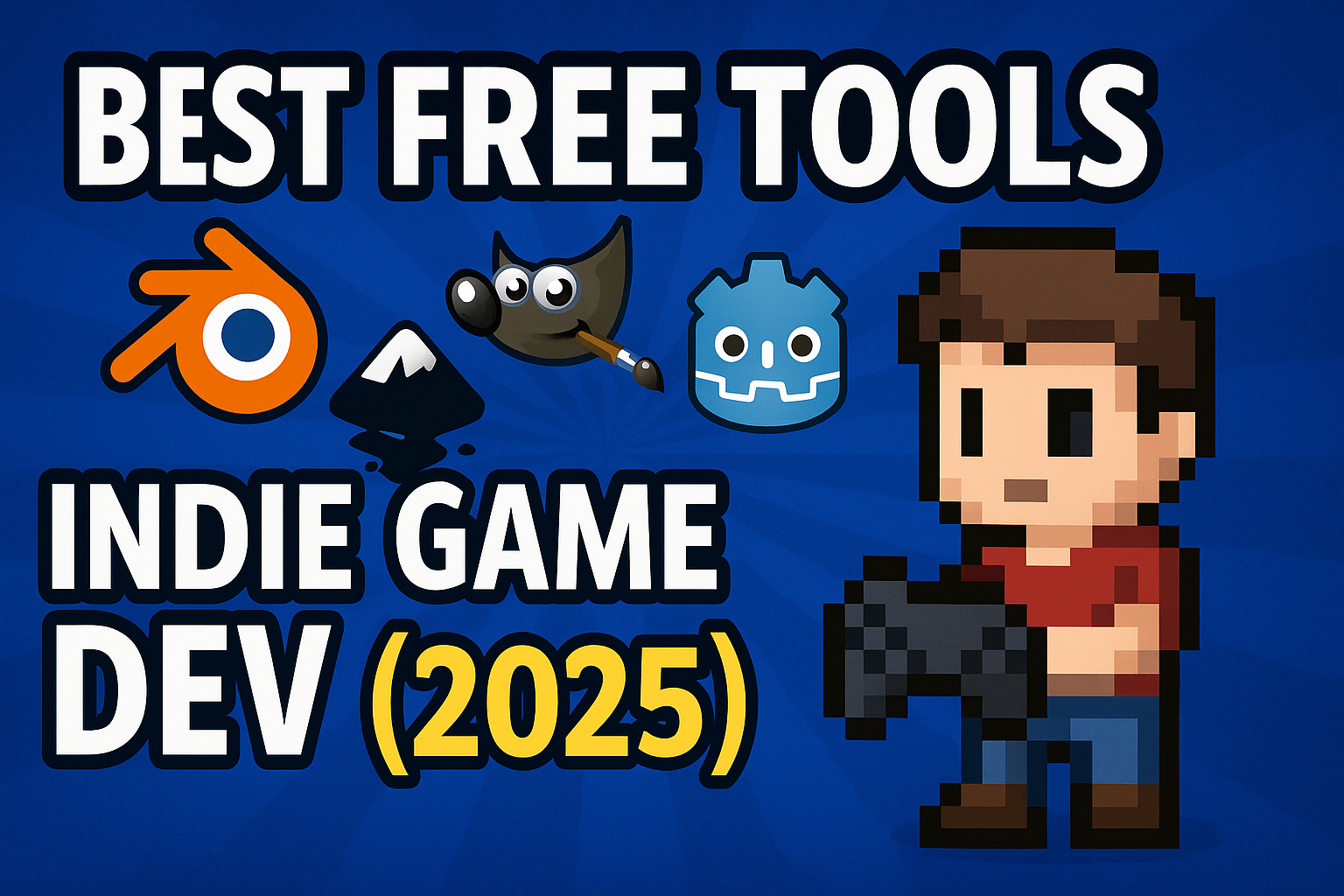
Making a game doesn’t have to drain your wallet. In 2025 there’s an incredible lineup of free and open-source tools covering everything from code to assets to pipelines. Here are my top picks for indie developers working with a $0 budget.
Code & Editors
 Visual Studio Code
The most popular free editor today.
- Why it’s great: huge extension ecosystem, polished debugging, Git integration.
- Indie use case: Write C# scripts for Unity, TypeScript for web tooling, or even shader code with syntax highlighting + intellisense.
- Pro tip: Install the Remote Containers extension to mirror your build environment.
Helix
A modern terminal-based editor inspired by Vim.
- Why it’s great: super fast, minimal, and lightweight — perfect for coding on low-spec laptops or when SSH’ing into build servers.
- Indie use case: Edit engine source code quickly without leaving the terminal.
- Pro tip: Use it alongside
justormakefor a fast build–edit–test loop.
Art & Assets
 Blender
The all-in-one 3D modeling, animation, and rendering suite.
- Why it’s great: industry-standard features, no license fee.
- Indie use case: Create characters, rig them, and export FBX/GLTF straight into Godot or Unity.
- Pro tip: Use Blender’s Geometry Nodes to procedurally generate props (rocks, trees, buildings) instead of modeling everything by hand.
 Krita
Krita
One of the best free 2D painting tools.
- Why it’s great: brushes rival Photoshop; fantastic for digital painting and pixel art.
- Indie use case: Concept art, texture painting for 3D models, or even frame-by-frame 2D animation.
- Pro tip: Pair Krita with a drawing tablet — it has great pressure sensitivity support out of the box.
Audio
Audacity
The classic free audio editor.
- Why it’s great: fast, lightweight, and gets all the basics done.
- Indie use case: Clean up noisy voice recordings, trim SFX from libraries, or batch normalize your sound effects before importing them into a game engine.
- Pro tip: Use plugins like LAME MP3 encoder to export to compressed formats for web and mobile.
Pipelines & Automation
ffmpeg.wasm
A WebAssembly port of the powerful ffmpeg toolkit.
- Why it’s great: runs right in the browser, no installs needed.
- Indie use case: Build a web-based trailer generator, compress gameplay GIFs for social posts, or transcode audio in your game’s web tools.
- Pro tip: Automate sprite sheet previews by piping ffmpeg-wasm to generate web-friendly MP4/WebM snippets.
basisu
Universal texture compressor from Binomial.
- Why it’s great: shrink texture size while keeping GPU-friendly formats.
- Indie use case: Export KTX2/Basis textures that load faster on low-end Android devices or WebGL builds.
- Pro tip: Run basisu in your CI/CD pipeline so every commit automatically outputs optimized textures.
Pipeline-Lab (coming soon)
A browser-based indie pipeline helper I’m building.
- Why it’s great: no installs, runs entirely in the browser, works cross-platform.
- Indie use case:
- Compress all textures into GPU formats in one click.
- Convert and normalize audio for web/mobile.
- Auto-build sprite sheets + metadata.
- Batch rename assets for clean exports.
- Pro tip: Drag & drop assets → instantly get optimized files back, ready for Unity/Godot/Unreal.
The Setup I’d Start With
You don’t need expensive licenses to start making games.
- Blender + Krita → full art pipeline.
- VS Code + Helix → cover coding from heavy IDE to terminal editing.
- Audacity → enough audio power for most small teams.
- ffmpeg.wasm, basisu, and Pipeline-Lab → keep your build pipeline lean and automated.
These aren’t “just free tools” — they’re battle-tested, used by pros every day. If you’re starting your first indie project in 2025, you already have a professional-grade toolkit waiting for you.