LevyeKit Released
• tech
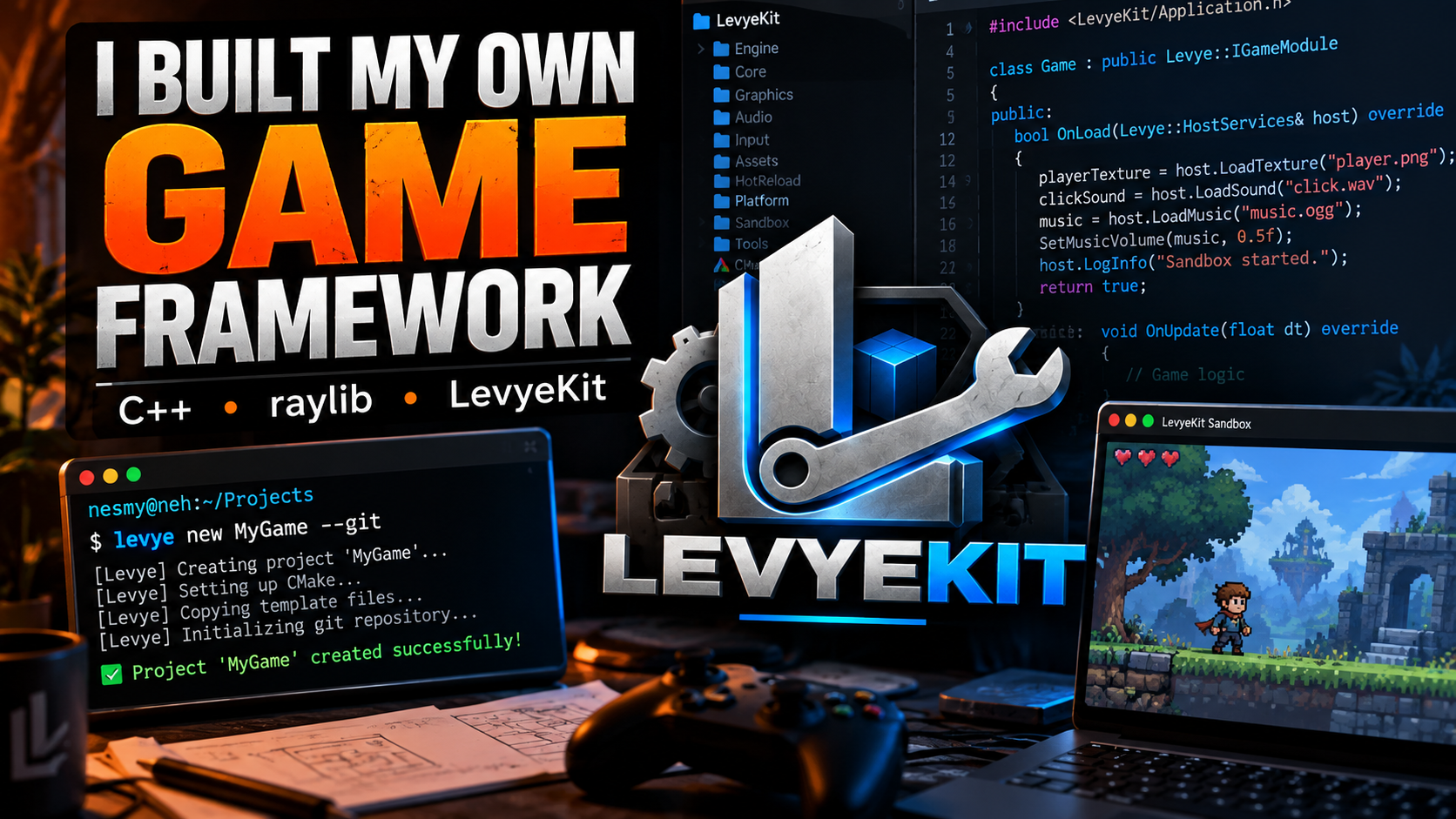
Every time I started a new game with raylib, I found myself doing the same setup: CMake, the application loop, input handling, asset loading, build scripts and a project structure. Then I'd start another project and do most of it again.
LevyeKit grew out of that repetition. It's a C++ framework built on top of raylib, with a shared foundation for my games. I want to spend less time setting up a repository before I can start working on the game itself.
Why Build on raylib?
I've used game engines and worked on my own engine projects, but sometimes I want to work directly in C++ without an editor. That's what I like about raylib: I can open a window, load assets, draw them and control the game loop.
I wanted to keep that way of working. LevyeKit handles the setup and shared systems around raylib, while leaving raylib available whenever I need it.
What LevyeKit Handles
The framework gives my projects a common structure for:
- Application and game lifecycle
- Input actions and bindings
- Textures and other assets
- Audio and shaders
- Project configuration and builds
- Development tools and hot reloading
These are systems I kept rewriting before getting to movement, enemies or game rules.
Input Was an Obvious Example
Input often starts with something like this:
if (IsKeyDown(KEY_W)) {
    player.MoveUp();
}
That works, but I eventually want controller support, remapping and menu controls too. I don't want movement code tied to whichever key happens to be assigned to it.
LevyeKit lets the game bind inputs to actions. Conceptually, gameplay code asks whether MoveUp is active instead of asking whether W is pressed. The game still defines its actions and chooses the bindings; the framework doesn't choose controls for it.
Getting Hot Reloading Working
I wanted to change game code without restarting the application every time. The approach I experimented with separates the host application from the game module: the host stays running, and the game code compiles into a dynamic library.
During development, LevyeKit loads a runtime copy of that library. When the module changes, it can unload the old version and load the new one.
Getting there meant dealing with library paths, runtime copies, missing modules and platform differences. On macOS, I ran into errors like:
Game module does not exist:
Targets/Debug/lib/Game.dylib
There were also undefined symbols and crashes that didn't initially look related to the module system. I'd rather work through those problems here than run into them separately in every game.
Asset Loading Had Its Own Problems
At one point, the Sandbox crashed around LoadTexture while loading a player texture. Later, I ran into problems reloading old PNG resources.
LevyeKit now provides host services that the game module can use for textures, sounds, music and shaders. A game can initialize its resources through those services instead of bringing its own version of the same resource-management code.
Using the Sandbox
I keep a Sandbox project alongside the framework so I can try features as I add them. It loads textures, plays music and sounds, uses shaders, tests input and exercises hot reloading.
Writing code against the API helps me catch awkward parts of it. If something is annoying to use in the Sandbox, I want to know before I depend on it in a larger game.
Creating Projects with a CLI
Copying a template directory was another bit of setup I wanted to remove, so I started building the levye command-line tool. The workflow I'm working toward is:
levye new MyGame
Or, to initialize a Git repository as well:
levye new MyGame --git
The CLI creates the expected project structure and gives each game a consistent starting point.
Deciding What Belongs in the Framework
I don't want to spend months building systems for games I haven't made yet. I'd rather get enough of the foundation working, use it in a game, and improve the parts that cause problems.
If several games need the same system, that's a reason to move it into LevyeKit. If only one game needs it, it may be better kept in that game's code.
Where Levye Forge Fits
LevyeKit is a framework; Levye Forge is my engine project. With LevyeKit, I want to stay primarily in C++, control the application directly and keep access to raylib. Levye Forge is where I can explore an engine and its tooling environment.
Keeping those projects separate helps me decide how much LevyeKit should take on.
Trying It in Project LUCA
I've been planning a new game under the codename Project LUCA. LevyeKit is reaching the point where I can use it as that project's foundation.
LUCA will give me a chance to test the framework with more gameplay, state and assets than the Sandbox has. I expect to find things that need redesigning as I use it.
LevyeKit is still early. APIs will change, and some systems will wait until a game actually needs them. But I already have a starting point for the next project, which was why I built it in the first place.
Different by Design.