Kasino Devlog #5 — Speed Up, a New Table, and More Polish
• devlog
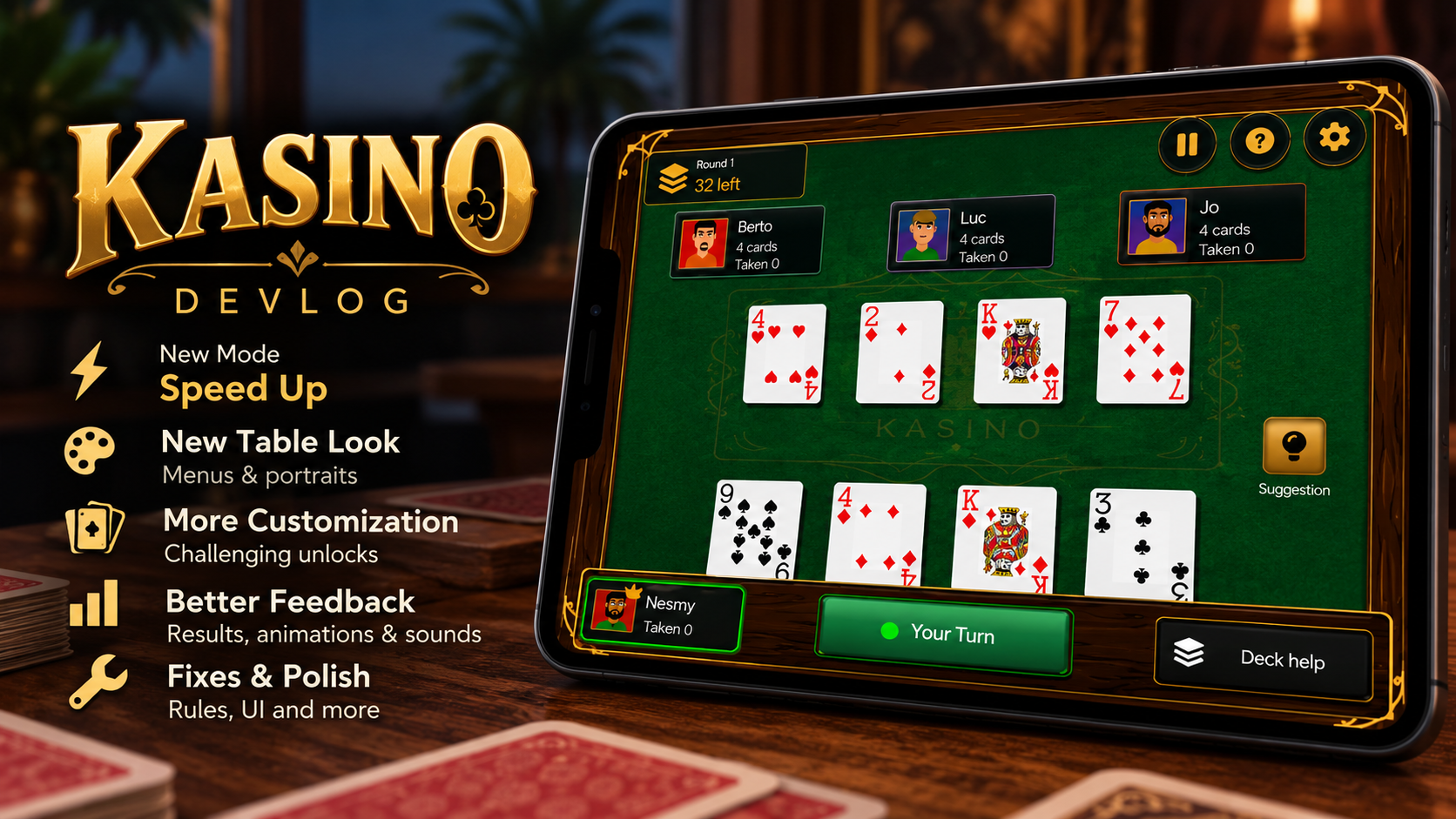
The last couple of weeks have been pretty busy for Kasino. I've been working on a new table design, a timed mode called Speed Up, and fixes to the build rules and match feedback.
I also went back through customization, the results screen and player profiles. Here's what changed.
A New Look for the Table
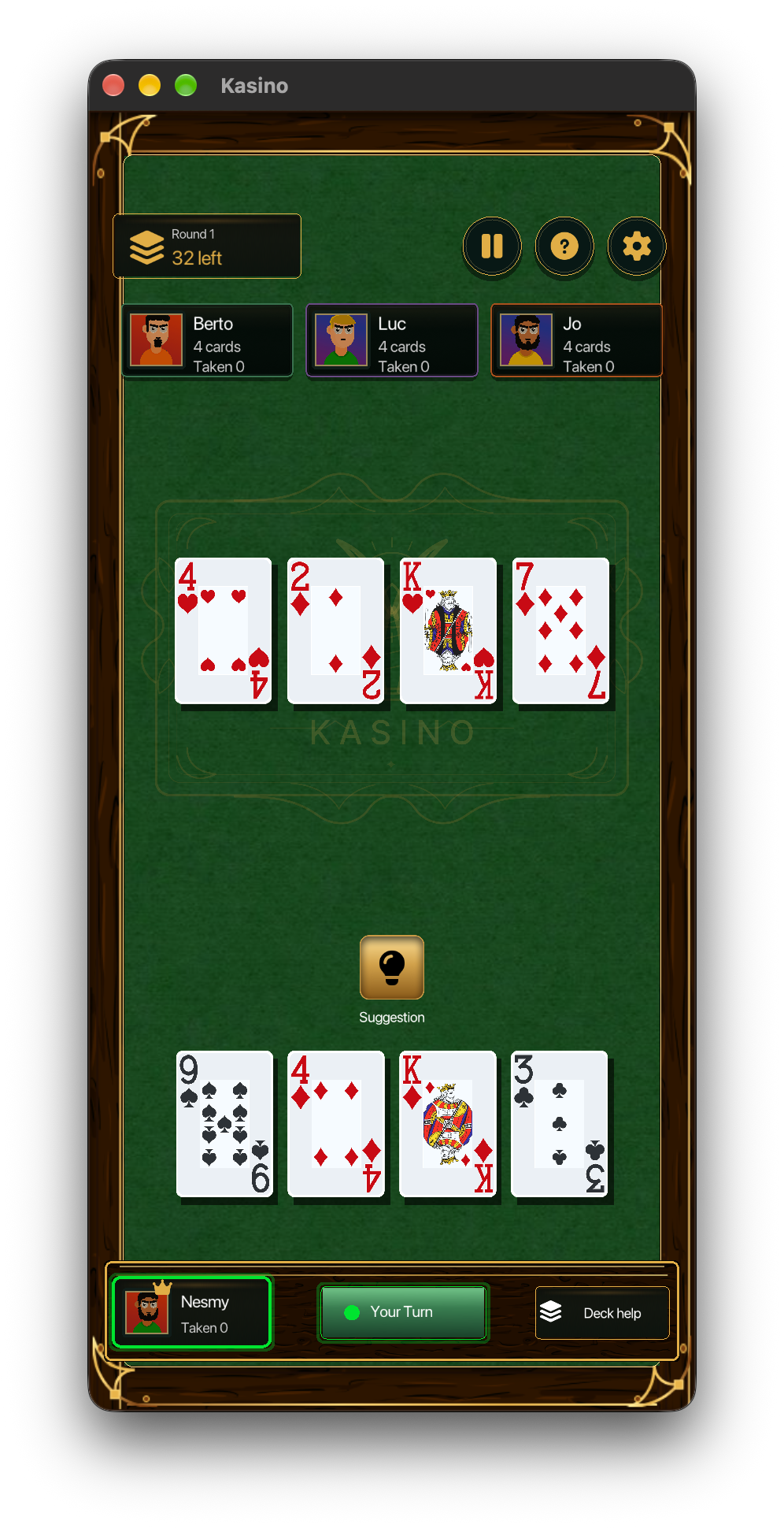
The old table worked, but it felt plain for a screen you spend most of the game looking at. I added wooden frames, textured backgrounds and a centered Kasino emblem, then redesigned the bottom HUD to match.
Menus and buttons now share that style too. I also went back through the portraits to make their colors and framing more consistent across screens.
New Mode: Speed Up
A Speed Up match lasts five minutes and uses the same basic rules as Classic Kasino. The difference is in the scoring: when you capture or build, you can earn bonus points based on how quickly you make the play. Take longer and the bonus drops until you're back to normal scoring.
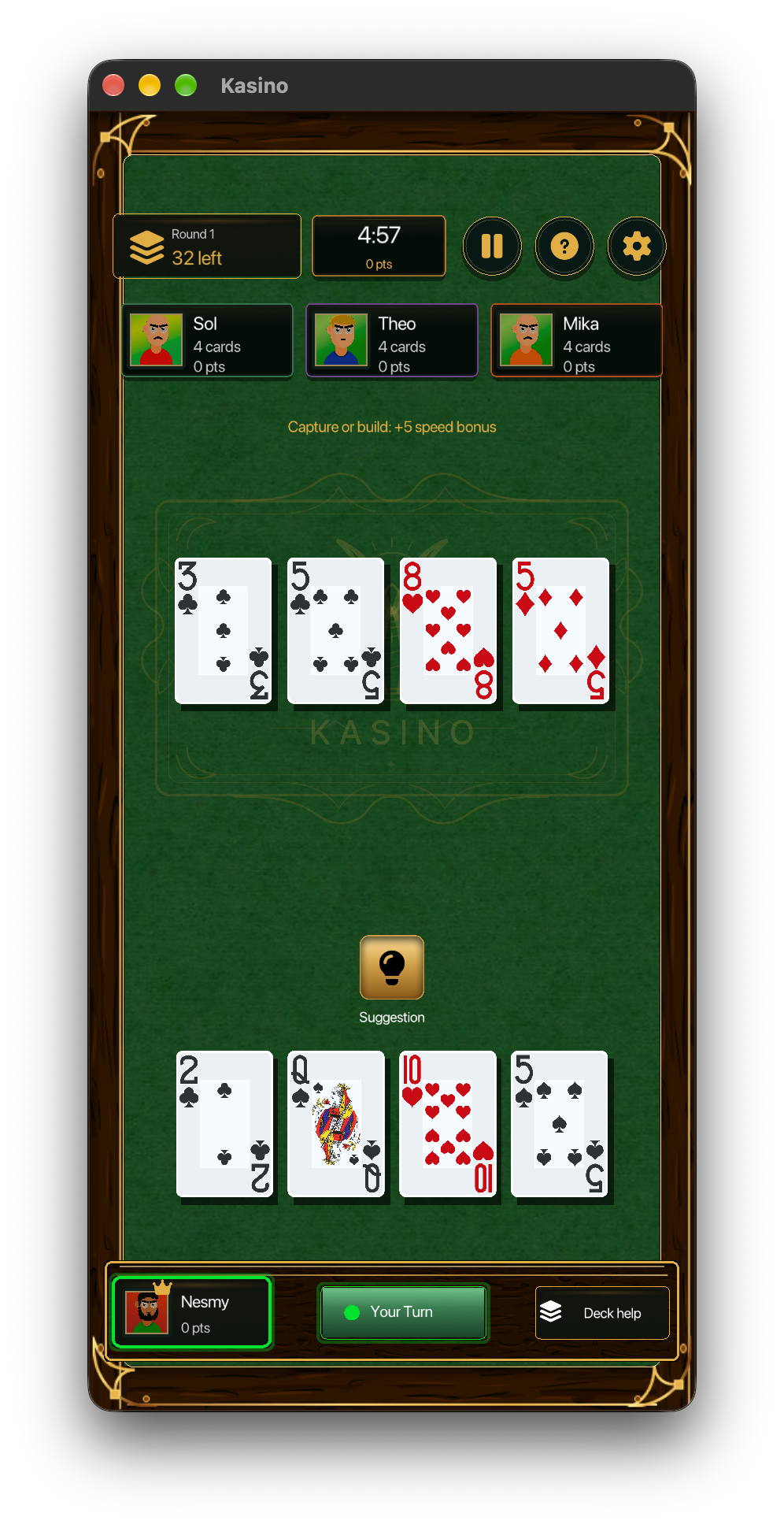
You still need to think about builds, captures and what your opponent might do next. But now there's a cost to spending too long looking for the perfect move. Sometimes taking a good move while the bonus is higher is worth it.
Fresh decks keep the match going until the timer reaches zero, so a run doesn't end at the usual deck cycle.
AI Timing Now Depends on Difficulty
A timed mode made the AI's thinking delay much more noticeable. In Classic, a short wait between turns was fine. In Speed Up, that wait uses part of your five minutes.
I changed the thinking times to vary with difficulty so the pacing works better in the timed mode.
Separate Speed Up Records
Speed Up keeps its own records and personal bests. I didn't want those scores mixed with Classic scores when the modes reward different things.
The results screen breaks your score into captured cards and speed bonuses. It also calls out a new personal best when you beat one, so you don't have to check the statistics screen to notice it.
Customization Has More to Work Toward
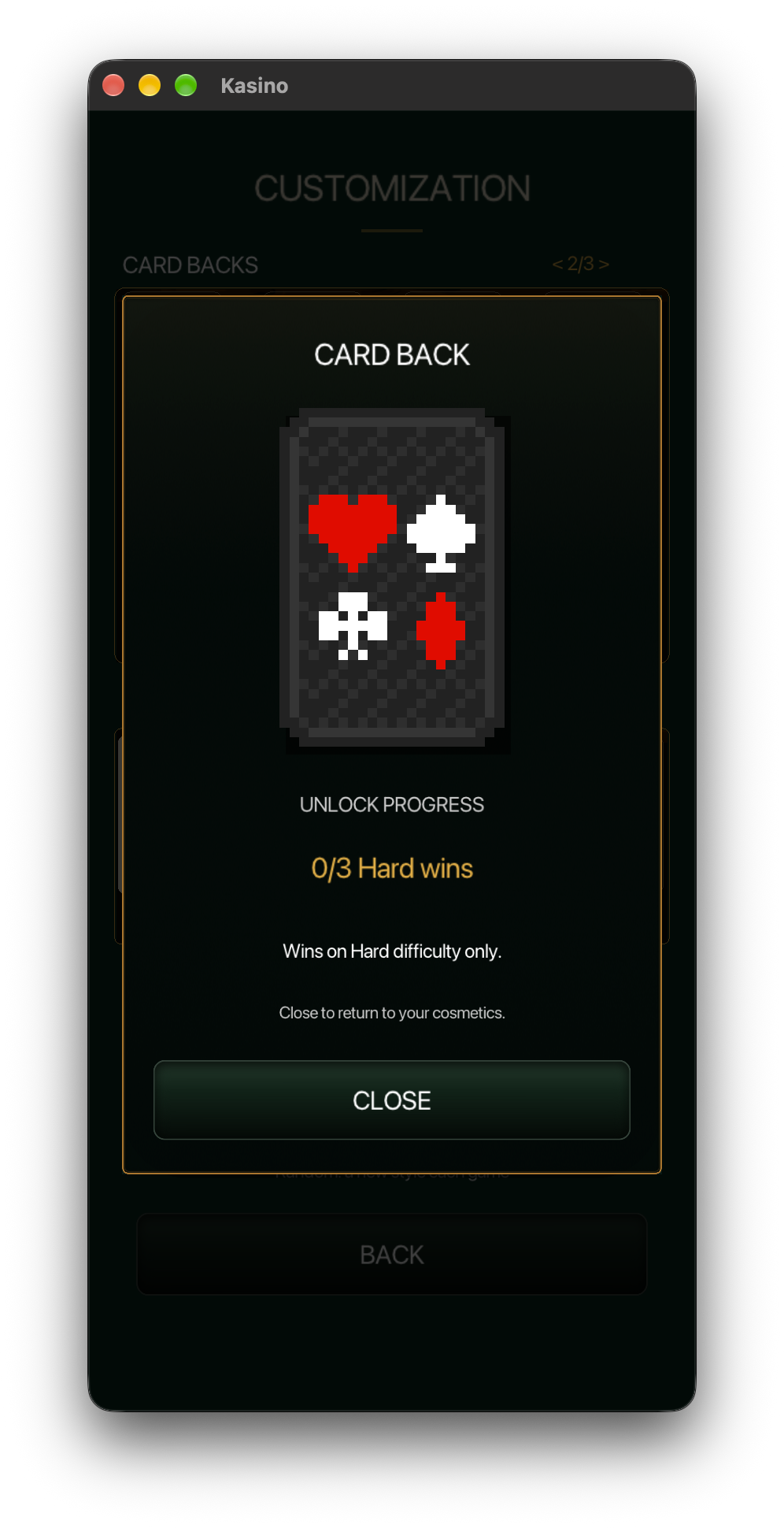
There are new table styles and card backs to unlock. Some have specific requirements, including challenges on Normal or Hard, rather than unlocking just because you've played enough matches.
Tapping a locked item now opens a larger preview with its requirement and your current progress. For example, the card back below needs three wins on Hard.
A Simpler Profile Screen
I cleaned up the profile screen around the controls it needs: a live portrait preview, the player name field, the avatar grid, and Save and Cancel buttons.
Clearer Feedback During Matches
The active turn is more obvious, captures and bonuses briefly highlight, and cards move more smoothly. I also changed the results screen to announce a win, loss or tie directly, with an animated score breakdown and new sounds at the end of a match.
Fixing the Build Rules
Single builds can now correctly be raised, while multiple builds remain locked to their existing value. I've continued checking these edge cases as I play more matches against the AI, especially where they affect planning a few moves ahead.
More Small Fixes and Polish
Other changes in this update:
- Added confirmation before abandoning a Speed Up run or replacing a Classic save.
- Improved iPhone name entry and the platform build scripts.
- Enlarged smaller labels and made popups easier to read.
- Added short fades between menus.
- Added starting actions to empty History and Statistics screens.
The iOS work also led to a separate minimal raylib/iOS example. I wanted to be able to reproduce the setup outside Kasino, so I wrote up that process in a separate technical post.
What's Next?
Daily Challenges is already visible in the menu, but it isn't playable yet. I'm still working out how the challenges should work before enabling it.
I want the challenges to give players something different to attempt when they come back. For now, Speed Up is ready, and Classic is still there for a regular game.